
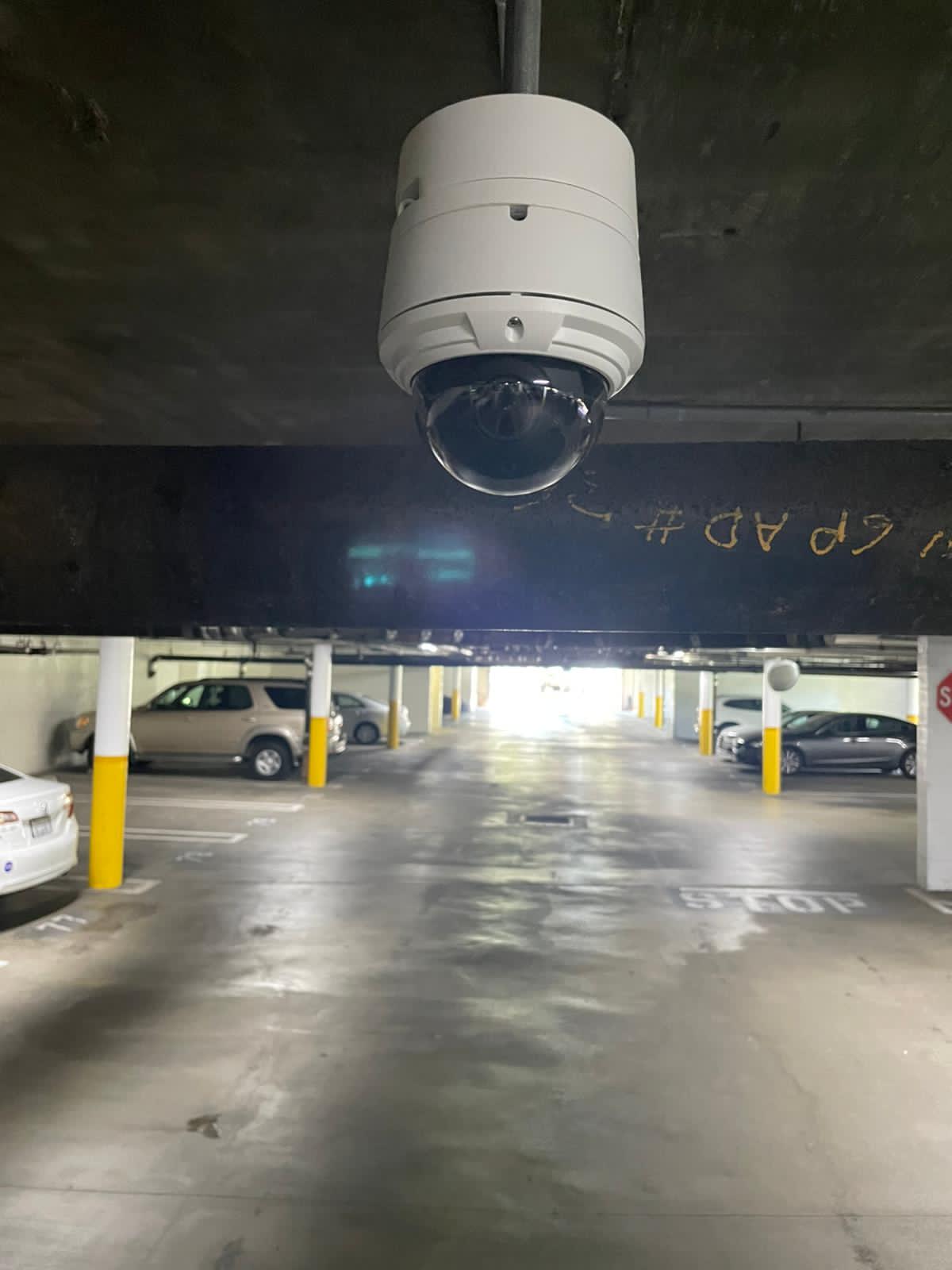
Every business owner who calls us about a camera system asks some version of the same question early on: “Should I just get regular security cameras, or do I need the network ones?” It’s a fair question, and honestly the terminology doesn’t help. “CCTV” gets used loosely to mean any surveillance system, while “IP camera” sounds like it should just mean any camera on the internet. So before getting into which one fits your business, it helps to actually define the two.
What CCTV Actually Means
CCTV stands for closed-circuit television. Traditionally, that means analog cameras connected by coaxial cable directly to a recorder (a DVR) sitting on-site. The signal travels straight from camera to recorder with no network involved, which is where the “closed circuit” name comes from.
Modern CCTV systems have improved a lot. HD analog cameras today can shoot in decent resolution, and some newer DVRs support remote viewing through an app. But the core architecture is still the same: point-to-point cabling, local recording, and limited scalability compared to IP systems.
What IP Cameras Actually Means
IP stands for internet protocol. IP cameras connect over your network, either through ethernet cable or Wi-Fi, and send footage to a network video recorder (NVR) or directly to the cloud. Because they run over IP, they can use standard network infrastructure, support much higher resolutions, and offer features like remote access, motion-triggered alerts, and integration with other systems like access control.
The tradeoff is that IP systems depend more heavily on your network. A weak router, insufficient bandwidth, or a poorly configured switch can hurt performance in ways that a simple CCTV setup never has to worry about.
The Real Differences That Matter for a Business Decision
Resolution and image quality
This one isn’t close. IP cameras generally support far higher resolution than analog CCTV, which means better detail when you actually need it: a face at the register, a license plate in the parking lot, a name badge at the loading dock. If your business has ever needed to pull footage for a police report or an insurance claim, you already know how much resolution matters in that moment.
Cost
CCTV tends to have a lower upfront cost, mostly because the cameras and cabling are cheaper and the installation is more straightforward. IP systems cost more per camera and often require better network infrastructure to support them, which adds to the bill. That said, the gap has narrowed a lot over the past several years as IP hardware has come down in price.
Scalability
This is where IP cameras really pull ahead for growing businesses. Adding a camera to an IP system usually means running one cable to a switch, or in some cases just connecting over Wi-Fi. Adding a camera to a traditional CCTV system means running a dedicated cable all the way back to the DVR, and DVRs have a fixed number of camera inputs. If you’re planning to expand your property, add a second location, or just add cameras over time, IP is the more flexible option.
Remote access
Both systems can technically offer app-based remote viewing now, but IP systems handle it more natively and reliably. If you’re a business owner who wants to check in on a warehouse or storefront from your phone while you’re not on-site, IP cameras are built around that use case in a way older CCTV architecture wasn’t originally designed for.
Integration with other systems
If you’re planning to add access control and door entry down the line, or want your cameras to work with a broader security platform, IP is the better foundation. Traditional CCTV can technically be paired with other systems, but it’s clunkier and usually requires more workarounds.
Network dependency
This is CCTV’s one real advantage: it doesn’t rely on your network being solid. If your internet goes down or your Wi-Fi is unreliable, a CCTV system with local recording keeps working exactly as it did before. An IP system, especially one leaning on Wi-Fi rather than wired connections, is more exposed to network hiccups. For businesses in older buildings with limited or unreliable internet, this is worth taking seriously.
So Which One Should Your Business Actually Choose?
Here’s how we’d think about it if we were in your position.
Choose CCTV if: you’re working with a tight budget, your property is small with a handful of fixed camera positions, you don’t need remote viewing to be flawless, and your internet or network setup isn’t rock solid.
Choose IP cameras if: you want the highest image quality available, you’re planning to grow or add locations, you want reliable remote access from your phone, or you’re planning to eventually add access control or other integrated systems.
A hybrid approach is also common. Some businesses run IP cameras at high-priority points, entrances, registers, cash handling areas, and use lower-cost analog cameras for lower-stakes areas like storage rooms or back hallways. It’s a reasonable way to control cost without sacrificing quality where it matters most.
What We See Most Often in Huntington Beach
Retail storefronts along Main Street and the surrounding business districts tend to lean toward IP systems, mostly because customer-facing businesses want the resolution to actually identify someone if there’s a theft or dispute, and because many of them already have solid network infrastructure from POS systems and Wi-Fi for customers. Warehouses and industrial properties are more mixed. Some prioritize IP for the scalability, others stick with a well-designed CCTV setup if their space is fixed and their budget is tighter.
Neither choice is universally “right.” It depends on what you’re protecting, how your business might grow, and what network infrastructure you’re starting from.
Installation: What’s Actually Involved
The install process looks pretty different depending on which system you pick, and it’s worth knowing what you’re signing up for before you commit.
A CCTV install is usually faster. Coaxial cable runs from each camera back to a central DVR, the DVR gets configured, and you’re up and running. For a small storefront with four or five cameras, this can often be done in a single day.
An IP install takes more planning. Cameras need to be on the network, which means either running ethernet cable to each one or making sure Wi-Fi coverage is strong enough to support multiple video streams without dropping frames. If your existing network isn’t built for that kind of load, a technician will usually recommend upgrading a switch or adding access points before the cameras go in, which adds time and cost to the project but pays off in reliability later.
For larger commercial jobs, either system might require structured cabling and network wiring work before cameras go up at all, especially in older buildings that were never wired with security or data infrastructure in mind. This is one of the most common reasons a “simple camera install” turns into a bigger project than a business owner initially expected.
Maintenance and Long-Term Reliability
Cameras aren’t a install-it-and-forget-it purchase, and the maintenance picture differs between the two systems too.
CCTV systems are relatively low maintenance because there’s less that can go wrong. No firmware updates to worry about, no network configuration to drift out of date. The main failure points are usually physical: a cable getting damaged, a camera housing degrading from sun exposure, or the DVR’s hard drive eventually wearing out from constant recording.
IP systems need more ongoing attention. Firmware updates matter for both performance and security, since a camera connected to your network is technically a device on that network and can be a target if left outdated. Network changes, like a new router or an ISP switch, can also affect how cameras perform if nobody accounts for it during the transition. Businesses running IP systems get the most value out of a regular maintenance check rather than assuming the system will just keep working the same way indefinitely.
Common Questions Business Owners Ask
Can I mix CCTV and IP cameras in the same system? Yes, though it usually means running both a DVR and an NVR, or using a hybrid recorder built to handle both camera types. It adds a bit of complexity but it’s a completely normal setup for businesses phasing in an upgrade over time rather than replacing everything at once.
Will switching from CCTV to IP mean replacing all my cabling? Not always. If your building already has ethernet runs in place, for instance from a previous network project, some of that infrastructure might be reusable. Coaxial cable used for older CCTV systems generally can’t carry an IP signal the same way, so a full switch to IP usually does mean new cabling, but a site assessment will tell you exactly what can be reused before you commit to a number.
Is one system more secure from hacking than the other? IP cameras, because they’re connected to a network, carry a small risk that isolated CCTV cameras don’t. That risk is manageable with basic precautions: keeping firmware updated, using a separate network segment for cameras rather than the same one as your point-of-sale system, and using strong, unique passwords instead of factory defaults. Most breaches involving IP cameras trace back to skipped basics like these, not some sophisticated exploit.
How long does each system typically last before needing an upgrade? CCTV hardware tends to have a longer working life since there’s less technology to become outdated, often eight to ten years before image quality starts to feel behind the times. IP systems evolve faster, with meaningful jumps in resolution and features every few years, so businesses that want to stay current sometimes plan for a refresh closer to the five to seven year mark, even if the existing cameras are technically still working fine.
Not Sure Which Fits Your Property?
If you’re still weighing this decision, the honest answer is that it depends on details specific to your building, your budget, and your goals, not a generic rule that applies to every business. A quick site visit is usually enough to tell you definitively which system makes more sense, and whether a hybrid setup might actually be the smartest option.
We walk properties across Huntington Beach and the surrounding area every week and can give you a straight answer on which system fits your situation, along with a real number instead of a rough guess.