
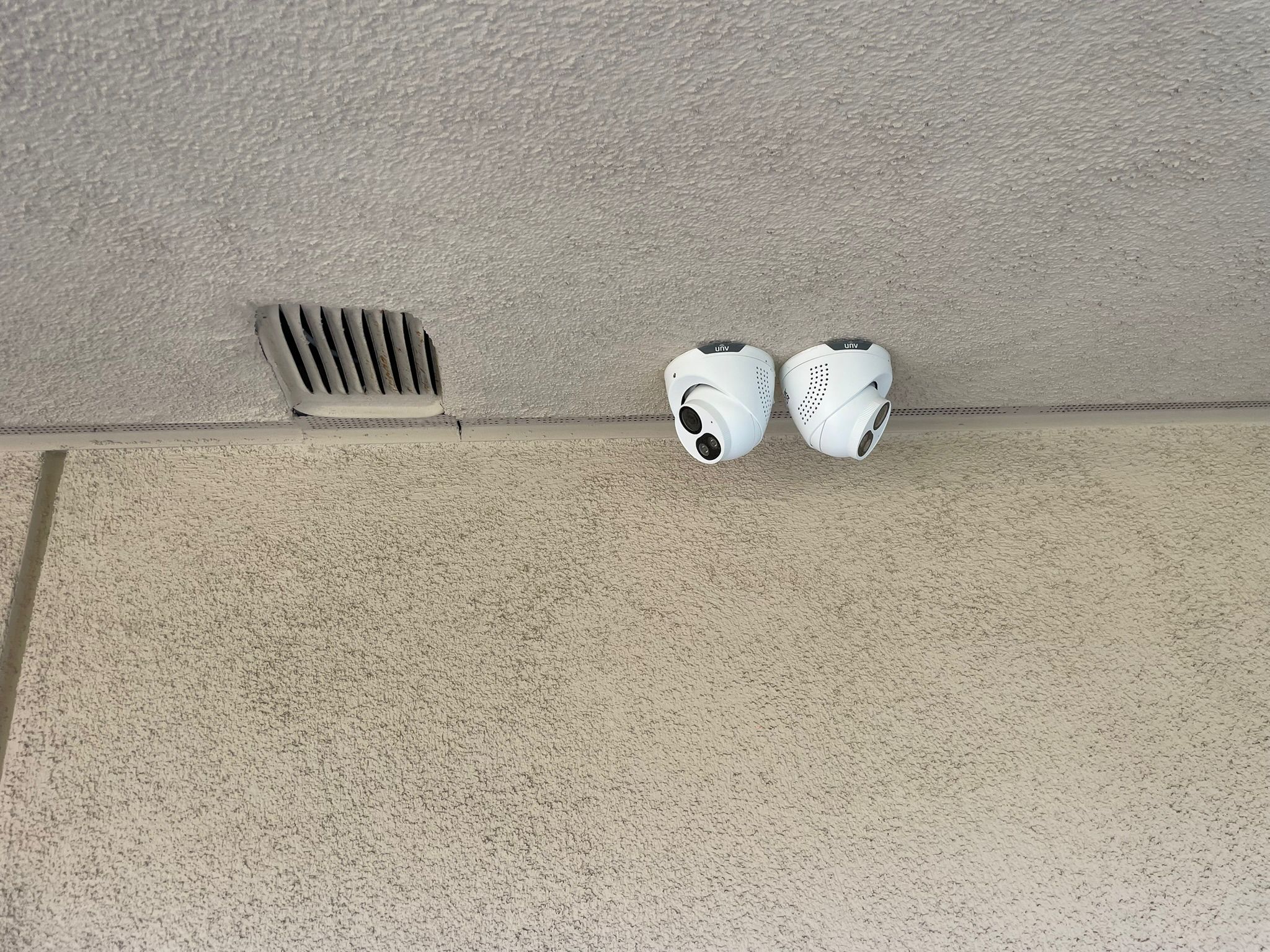
This is one of the first questions almost every homeowner and business owner asks us, and it’s usually followed by a guess: “I was thinking maybe six?” or “probably one for each corner of the building?” The honest answer is that camera count isn’t really the right way to think about it. Coverage is. Two well-placed cameras can protect a property better than six poorly placed ones, and we’ve seen both versions plenty of times.
Here’s a practical, room-by-room way to figure out what your property actually needs, instead of picking a number out of the air.
Start With What You’re Actually Trying to Protect
Before counting rooms or entry points, it helps to get clear on your actual goal, because it changes the answer. Are you mainly trying to catch package theft at the front door? Deter break-ins? Monitor employees or customers for liability reasons? Keep an eye on a garage or workshop full of tools and equipment? Each of these points toward different priority areas, and trying to cover everything equally usually means spending money on spots that don’t matter much while under-covering the ones that do.
For Homes: A Practical Room-by-Room Breakdown
Front door and entryway
This is almost always priority one. Most break-ins and nearly all package thefts happen at or near the front door, and it’s also the spot most homeowners actually check footage from the most, usually to see who rang the bell. One camera here, positioned to capture both the door and the walkway approaching it, covers this well.
Driveway and garage
If you have a driveway, a camera covering it catches vehicles, visitors, and anyone approaching the property before they even reach the door. For homes with a garage, a second camera aimed at the garage door itself is worth it, since garages are a common secondary entry point and often store valuable tools or equipment.
Backyard and rear entry points
Back doors and sliding glass doors get targeted more than people realize, partly because they’re less visible from the street. If your home has a back door, patio, or any rear entry point, it deserves its own camera rather than relying on a side view from another one.
Side yards and gates
This is the spot we see missed most often. Side yards are often the quickest way for someone to get from the street to the backyard without being seen, especially if there’s a gate. One camera covering a side gate closes a gap that a lot of otherwise well-covered homes leave open.
Interior common areas (optional)
Some homeowners want interior coverage too, usually in a main living area or near a home office. This is more of a personal choice than a security necessity for most homes, but it’s worth considering if you travel often, have package deliveries left inside, or want to keep an eye on pets or kids while away.
A typical home ends up needing
Most single-family homes land somewhere between four and six cameras: front door, driveway, garage, back door, and one or two side or gate cameras depending on the layout. Larger properties or homes with more entry points can reasonably need more, but jumping straight to eight or ten cameras without a real reason usually means paying for coverage that doesn’t add much.
For Businesses: A Different Set of Priorities
Business camera placement follows the same logic, coverage over count, but the priority areas shift based on what kind of business it is.
Main entrance and exit
Every business needs this covered, both for security and for basic liability purposes. This is often the single most reviewed piece of footage after any incident.
Point of sale or register areas
For retail and food service businesses, cameras here matter for theft prevention, but also for resolving disputes over transactions and protecting employees during difficult customer interactions.
Cash handling and safe areas
If your business handles cash beyond the register, whether that’s a back office, a safe, or a counting area, this deserves dedicated coverage separate from the general sales floor.
Storage rooms and inventory areas
Inventory shrinkage is a real cost for a lot of businesses, and cameras in storage areas help identify whether loss is happening from theft, from vendors, or from employees, which changes how you address it.
Parking lots and loading docks
For businesses with a parking lot or a loading dock, these areas matter more than people expect. Vehicle break-ins, package theft from deliveries, and after-hours activity around a loading dock are all common enough that leaving this uncovered is a real gap.
Employee-only areas
This one depends on your specific business and any applicable workplace privacy considerations, but many businesses benefit from coverage in back-of-house areas for both security and operational reasons, like monitoring safety compliance in a warehouse setting.
A typical small business ends up needing
Retail storefronts usually need somewhere between six and ten cameras depending on square footage and number of entrances. Warehouses and larger commercial properties can need considerably more, especially once loading docks, parking areas, and multiple buildings come into play.
Camera Placement Mistakes We See Constantly
A few patterns show up again and again in poorly covered properties, and most of them are easy to fix once you know to look for them.
Cameras aimed too high. A camera mounted high enough to avoid tampering is smart, but if it’s angled so steeply that it only catches the top of people’s heads, it becomes nearly useless for actual identification. Angle matters as much as placement.
Backlighting nobody accounted for. A camera facing directly into morning or afternoon sun, or pointed at a bright window, often ends up with footage that’s washed out or shows nothing but a silhouette during the exact hours that matter most.
Redundant coverage in low-risk spots. We’ve seen properties with three cameras covering roughly the same 10-foot stretch of hallway while the actual side entrance sits completely uncovered. It usually happens when cameras get added one at a time over the years without stepping back to look at the whole property.
No coverage of the property’s actual weak points. Every property has at least one spot that’s easiest to access unseen, whether that’s a side gate, a fire escape, or a gap in a fence line. That spot should be a priority, not an afterthought.
Why a Real Site Assessment Beats a Guess
Room-by-room guidelines get you most of the way there, but every property has its own layout, sightlines, lighting conditions, and blind spots that a general guide can’t fully account for. This is exactly why we do a free site assessment before recommending a camera count or placement plan as part of our CCTV and IP surveillance work: walking the actual property, checking sightlines in person, and figuring out where the real risk is instead of applying a generic formula.
For businesses that are also considering structured cabling and network wiring as part of the project, the site assessment covers that too, since camera placement and cable routing need to be planned together rather than figured out separately after the fact.
Don’t Forget Diagrams and Documentation
If you’re getting quotes from multiple installers, ask whether they’ll provide an actual camera placement diagram as part of the proposal, not just a camera count. A diagram forces the installer to think through sightlines and coverage gaps in advance, and it gives you something concrete to compare between quotes instead of just comparing a number of cameras against a price.
Get a Real Answer for Your Property
The truth is that “how many cameras do I need” doesn’t have a universal answer, and any guide, including this one, can only get you so far without actually seeing your property. A free site assessment will map out your specific entry points, blind spots, and priority areas, and give you a camera count and placement plan based on what your property actually needs, not a generic package.
We do these assessments across Huntington Beach and the surrounding area regularly, and it’s usually the fastest way to go from guessing to an actual plan.